


Shift Management for publishers
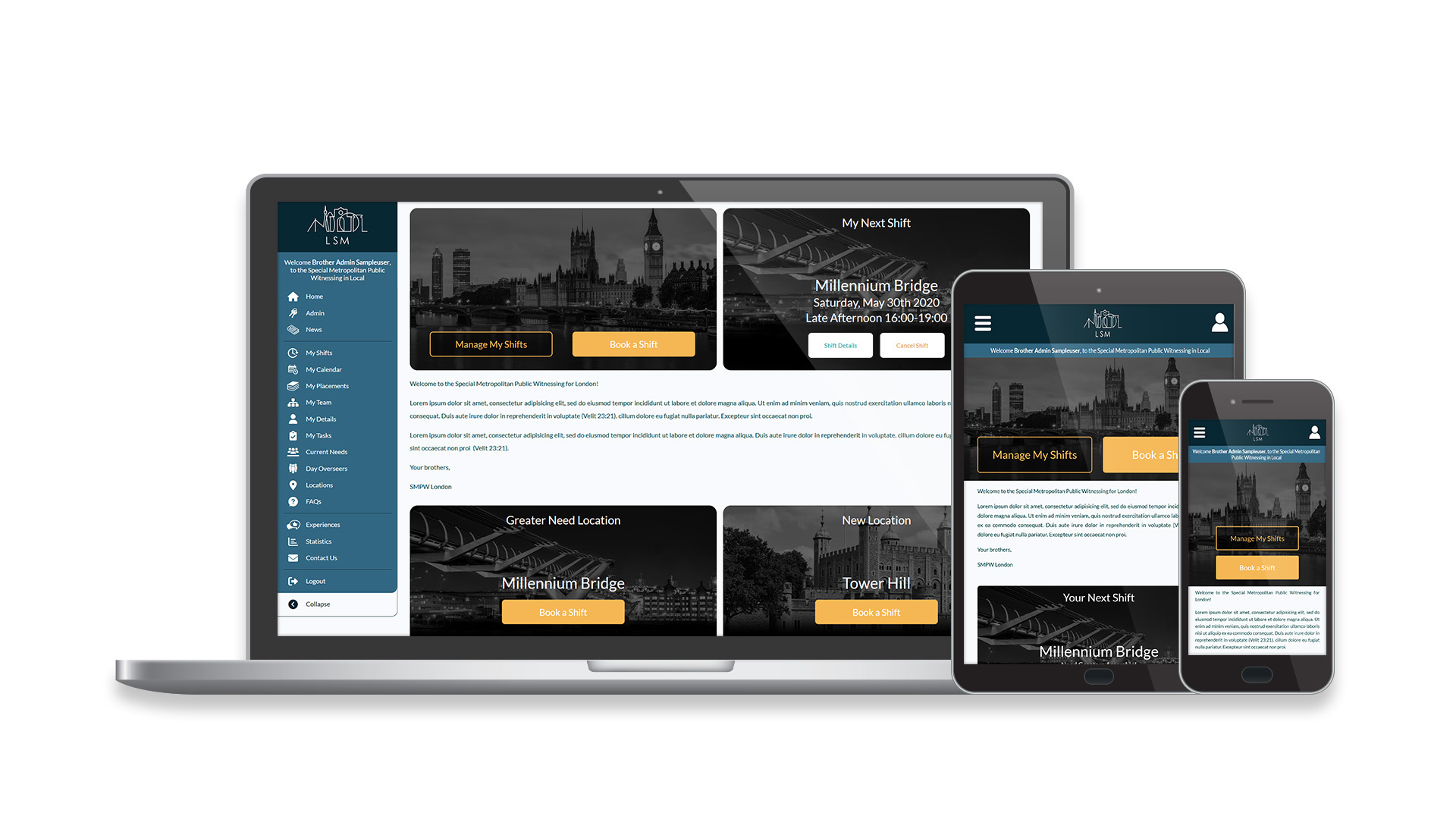
Publishers arrange their shifts by submitting their availability and then waiting to be assigned.

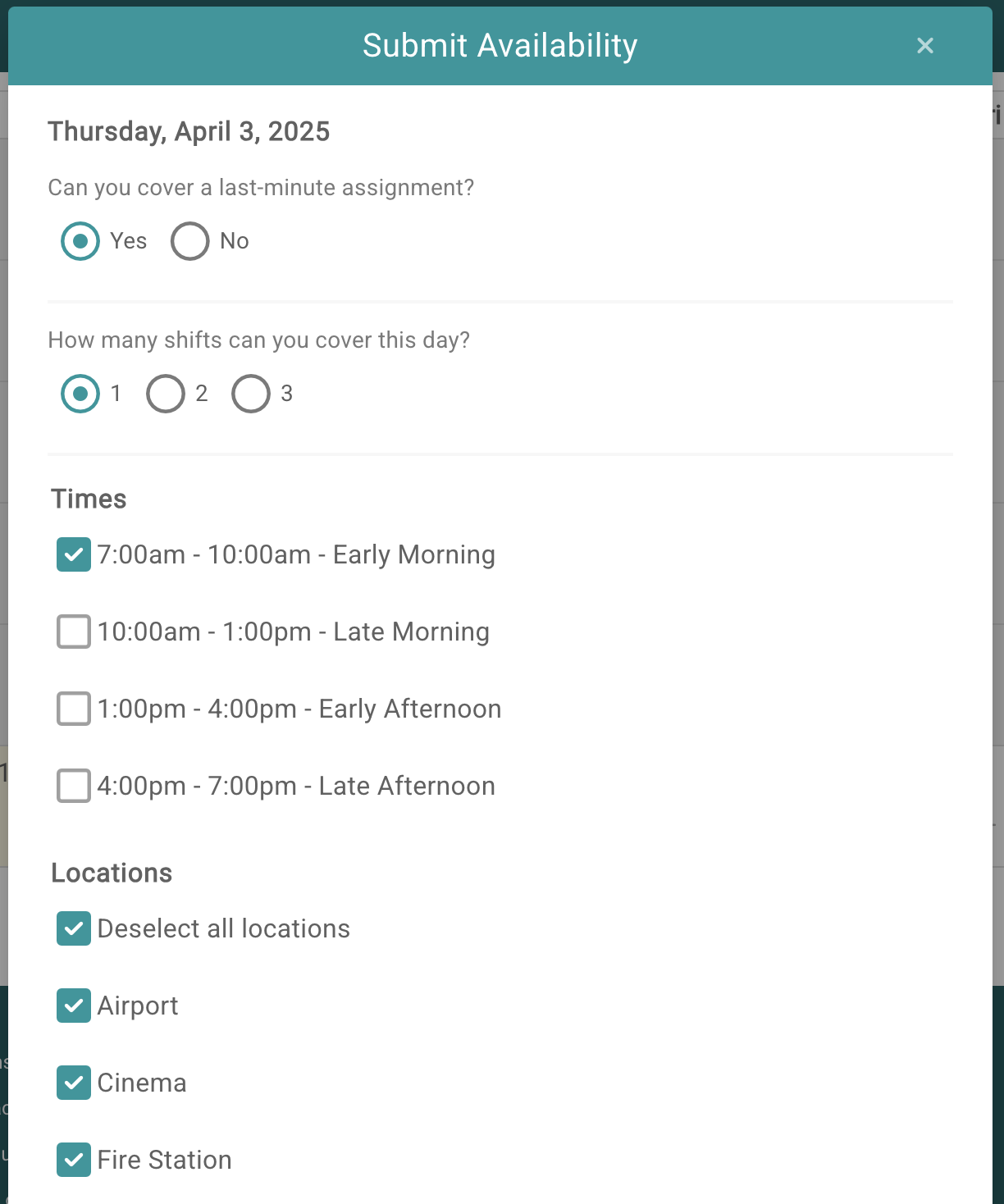
After selecting a day in the calendar, they fill out a form with the time slots and locations they are available for. They have the option to apply this selection to multiple weeks ahead if their availability is the same each week.
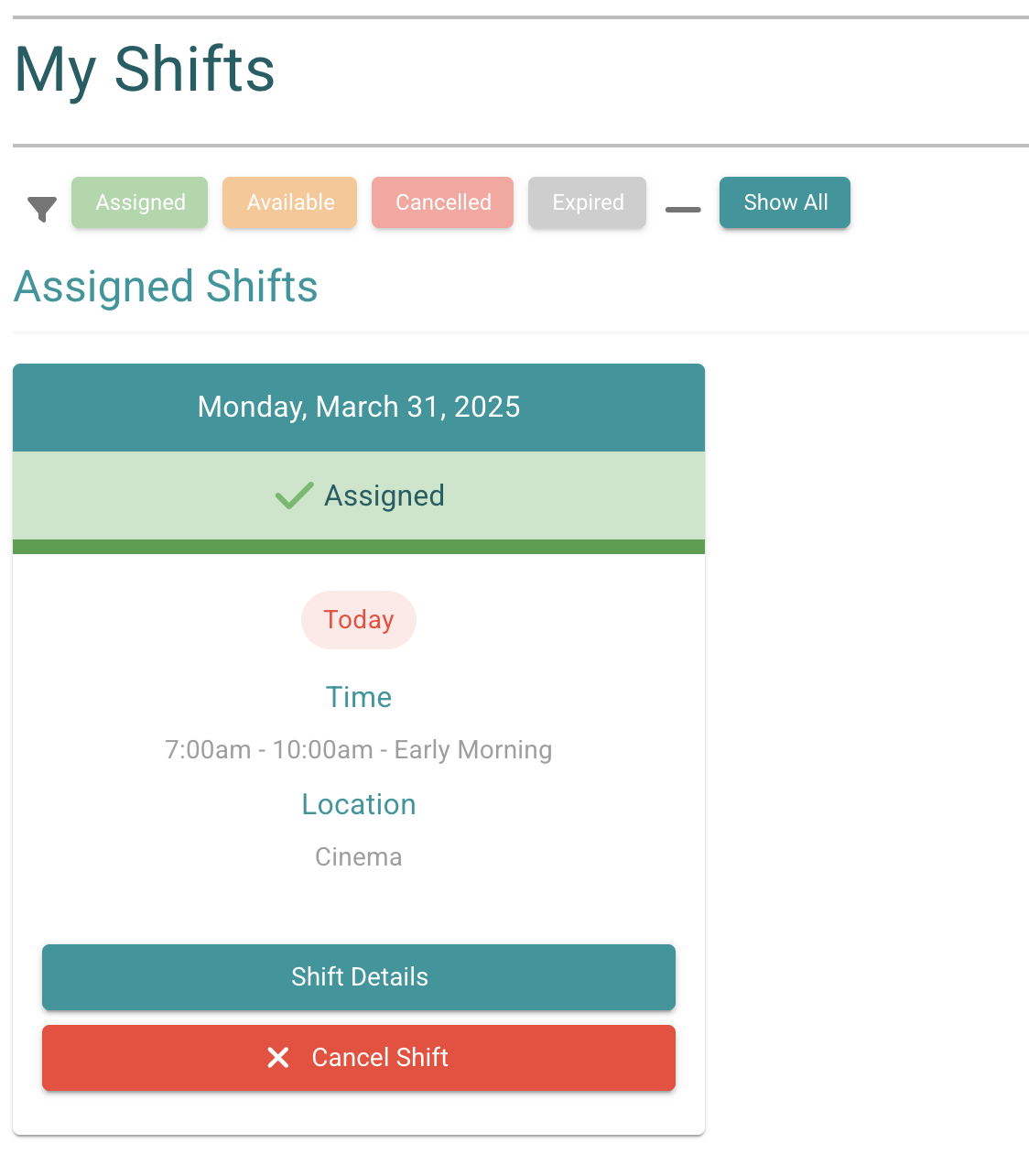
The My Shifts page displays assigned shifts and allows them to edit the availability forms they have submitted.
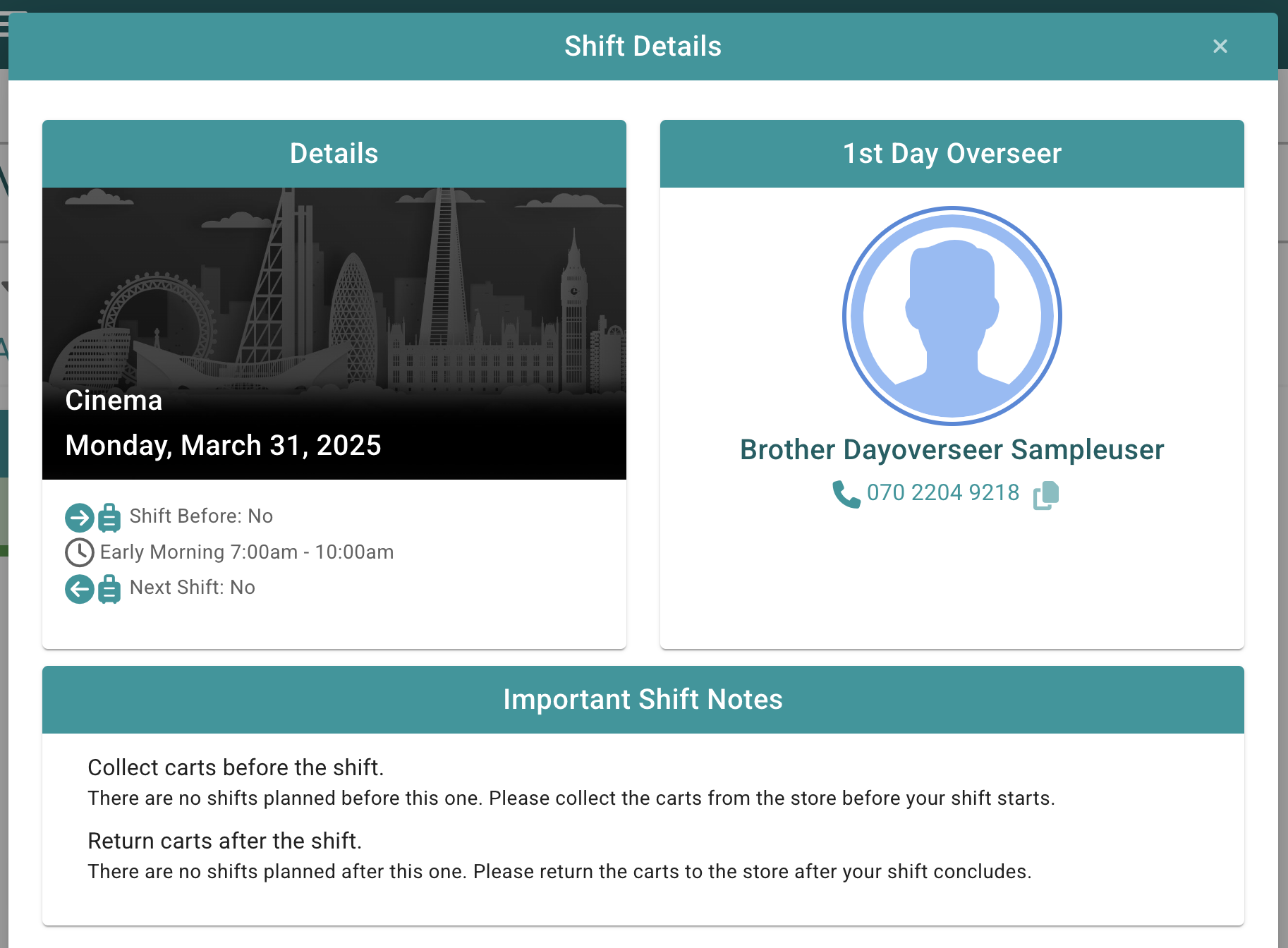
Clicking the Shift Details button of an assigned shift will provide the publisher with all the information they need to know, including an interactive map showing places like the witnessing location, meeting location, where the cart is stored and providing directions.
Email reminders and calendar invitations can be set up to keep the shifts running smoothly.