Posts By :

admin

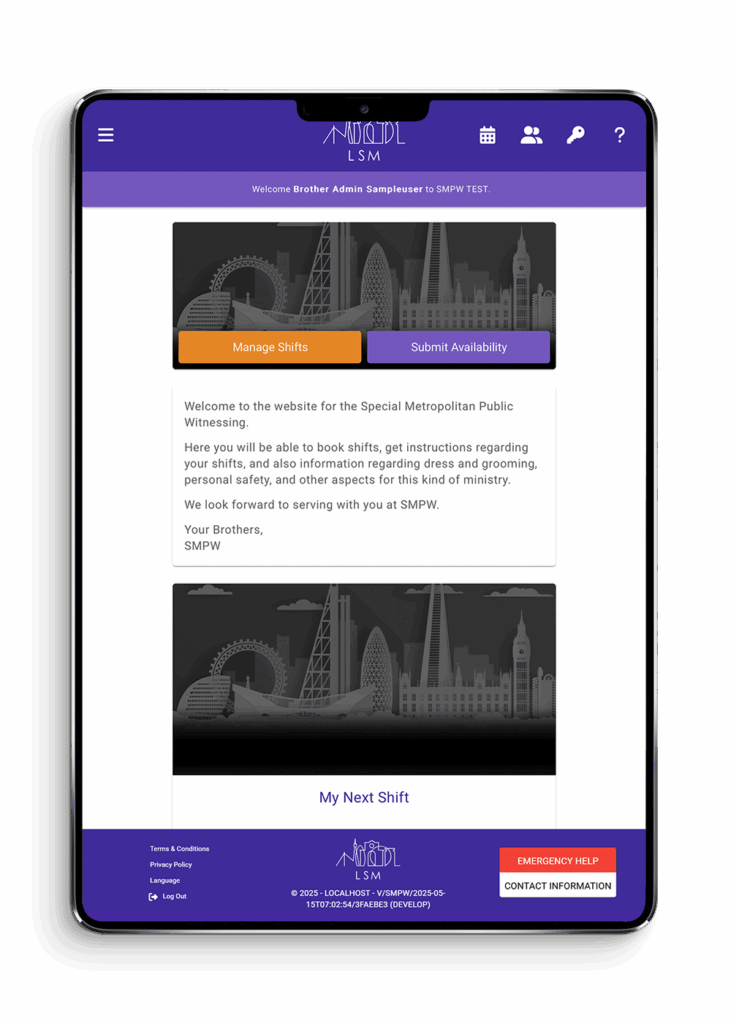
Sapphire theme colour scheme

Design Customisation

Design Customisation 1000 1400 LSM manager
and considerations to bear in mind

Each city that implements the LSM software will need their own logo. We recommend using important landmarks in the region, being careful to avoid anything religious or political. These landmarks can help form the single line logo. Multiple lines can also be used, but try to keep the logo within the same look and feel as the original London SMPW logo. For logo consistency, using a stroke of 1.5pt is advisable.

If you require help creating your cities logo, our London team are happy to help. Please request this if you need it.

Theme colours

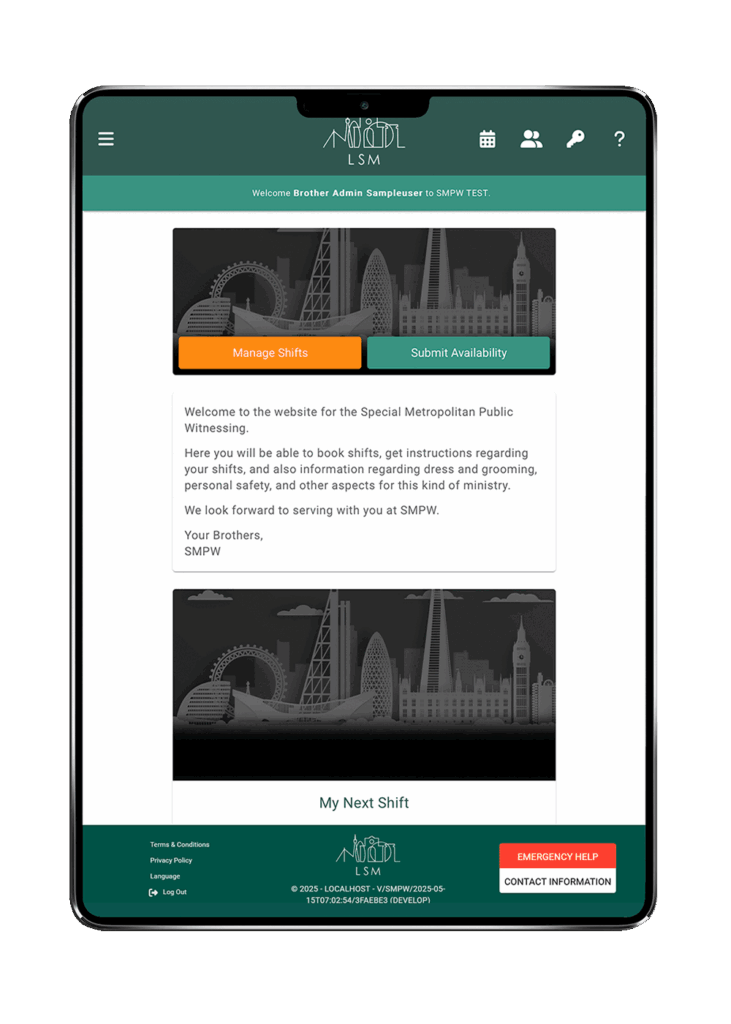
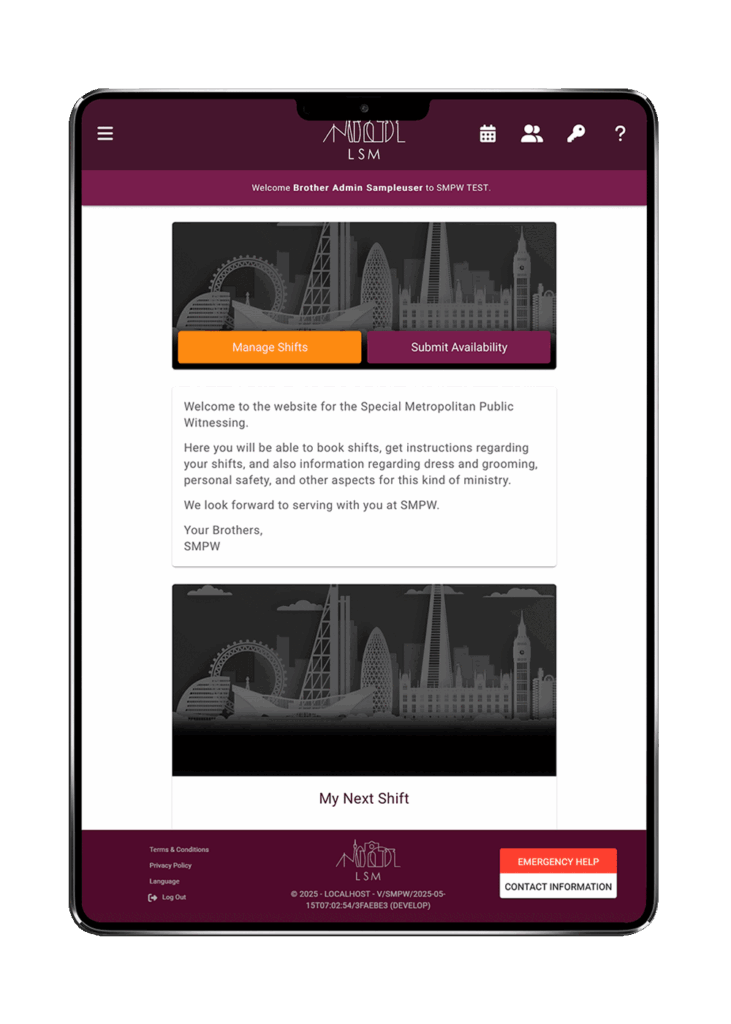
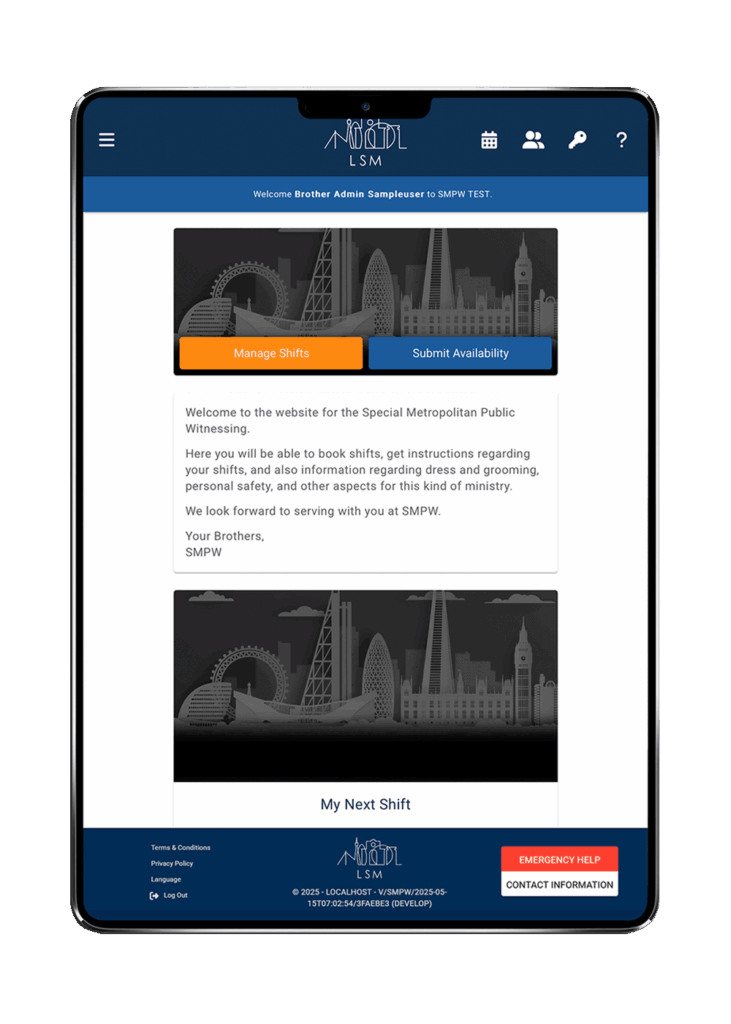
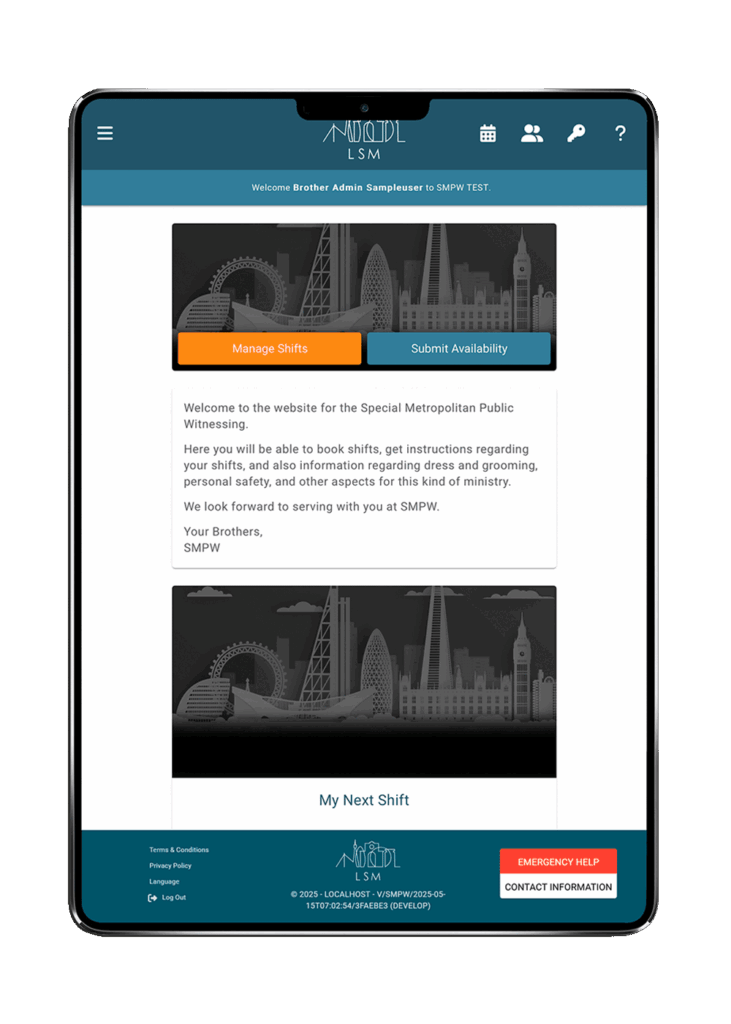
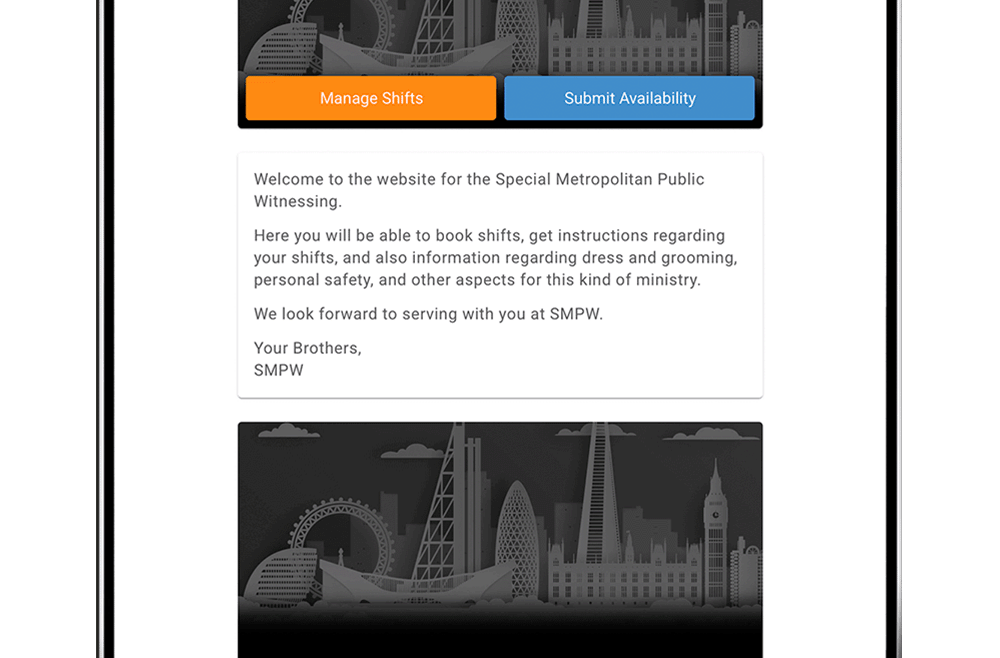
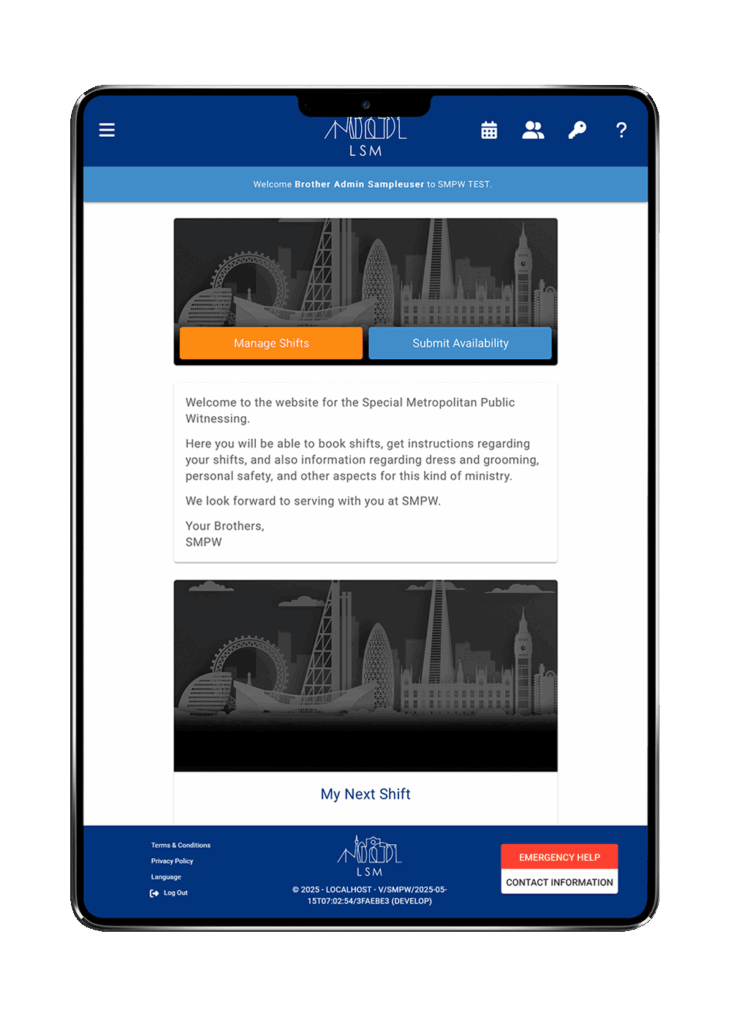
The LSM software has been designed to provide multiple colour options to customize the theme for your city. Please see the options below. The default theme is the LSM theme colours. If you would like to request some new colours feel free to ask.
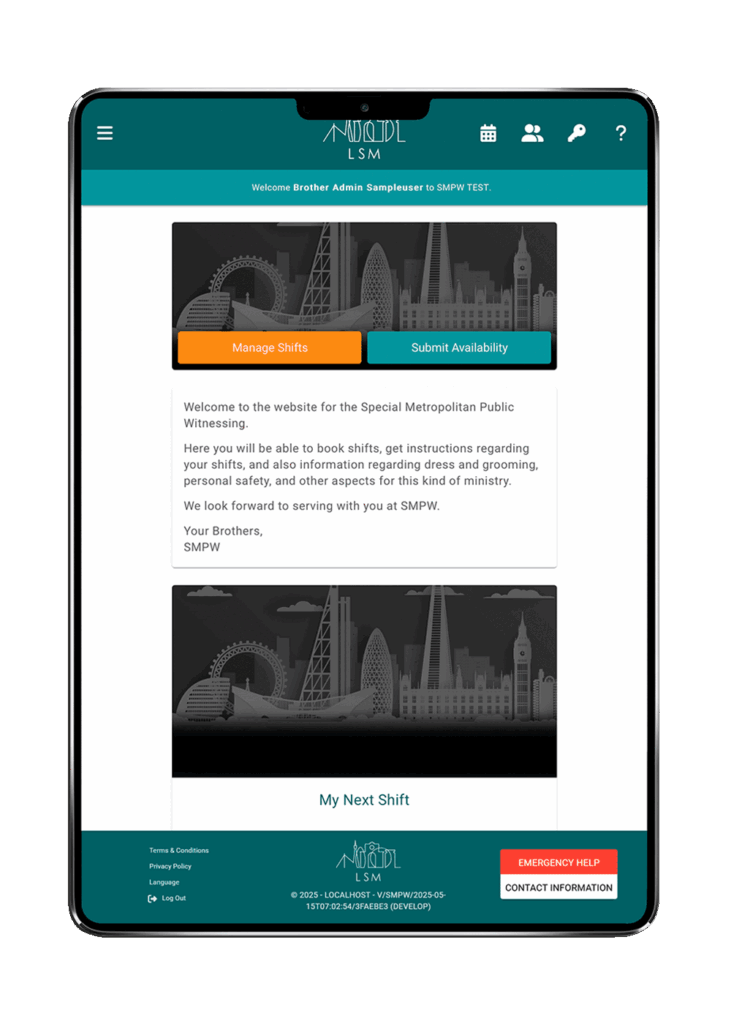
Teal theme colour scheme
Sapphire theme colour scheme
Emerald theme colour scheme
Ruby Theme colour
Blue theme colours
Soladite theme colour
Purple theme colours
Programmer is updating the software - it's updated regularly

What is required to install LSM?

What is required to install LSM? 1920 1440 LSM manager

Installation and set up:

Each city can install the application on their own shared or dedicated hosting solution. We currently recommend either IONOS or AWS depending on your preference.

It is preferred that as part of your team you have a technical brother familiar with Web Hosting, but we can provide assistance along the way to get everyone up and running.

You will need:

  • A shared or dedicated Linux Server running PHP8.3.
  • A domain.
  • A MySQL Database.
  • Access to an email service.

If you need help:

If you have any questions or assistance regarding the set up, please contact us via the contact form.