


Submitting Shift Availability
To be assigned a shift, publishers need to submit their availability. They select a date on the My Calendar page and the Submit Availability form opens.
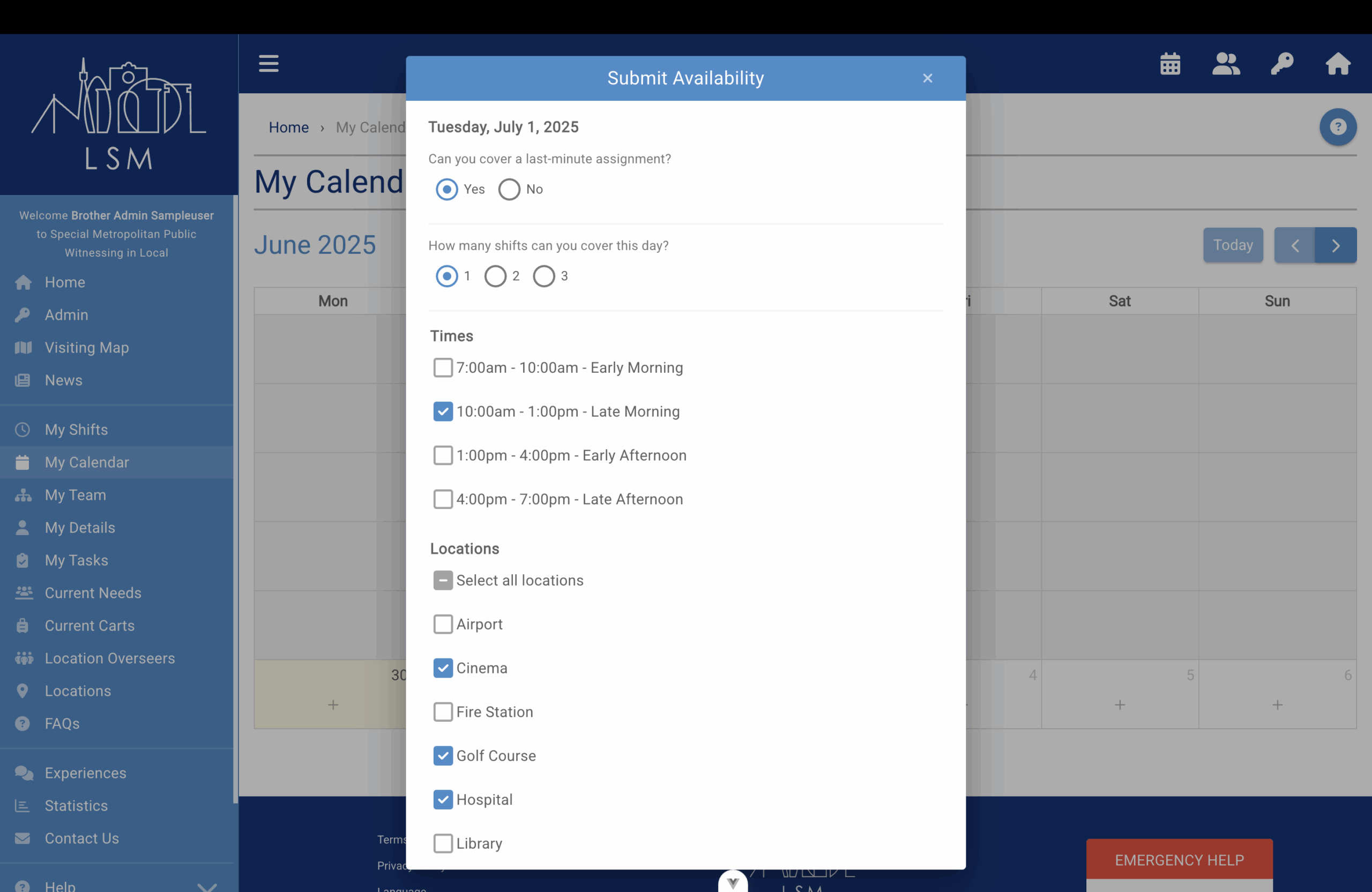
Here they then select whether they are available for a last-minute assignment, how many shifts they are able to cover, and the times they are available.
Then they choose the locations they can do.
To make it easier for them each time, in their settings they can specify which locations they would like to be selected by default and they can use the Apply Selection To drop-down menu to apply their availability selections to multiple weeks ahead.