


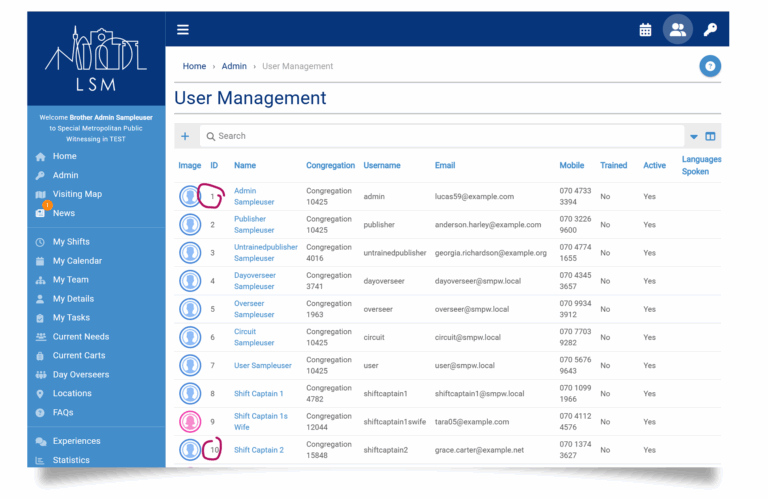
Here is a useful little trick with the sorting function on our Users Management page, you might find it handy too!
You’ve probably noticed that when you open https://smpw.co.uk/admin/users, the publishers are initially sorted by ID number, smallest to largest.
Here’s the cool part
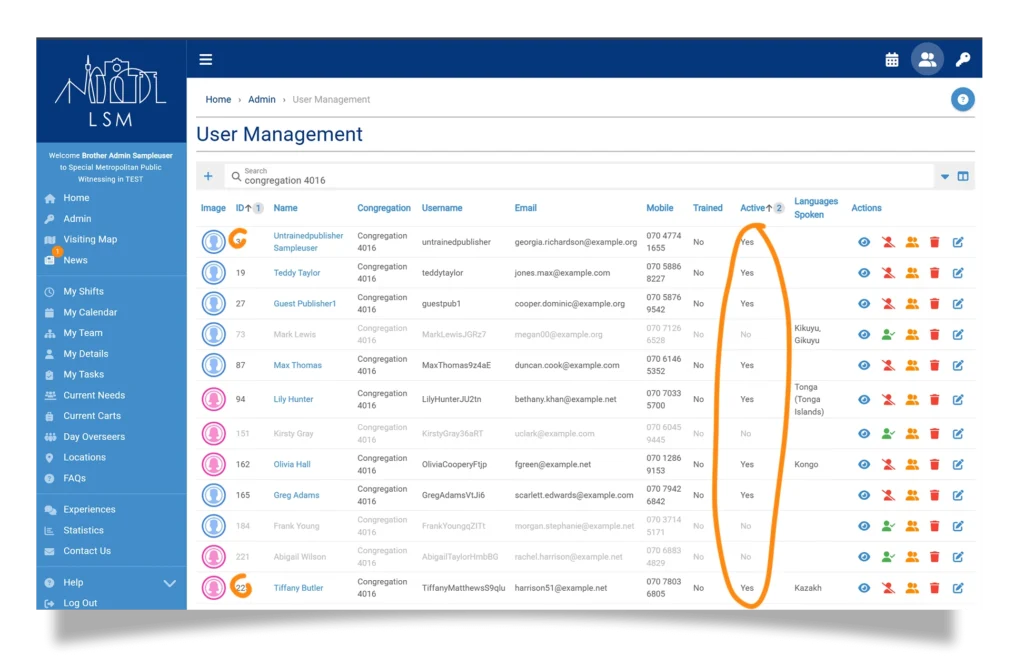
Suppose you would like to see just Active publishers from a specific congregation, listed alphabetically by Name:
Enter the congregation name in the search bar and click Search.
Click the Active column header to sort by activity status.
Hold down Shift, then click on the Name columns to sort by more criteria if you wish!
The result? A tidy, easy-to-use list of all active publishers from that congregation, sorted by name.